Linking & Exporting
Attach the statutes and judgments your draft leans on, then export the finished document as PDF, Word, or Markdown.
Summary
A good draft stands on its authorities. The Sources tab in the side panel lets you attach the material your draft relies on — a statute, a judgment, a contract clause, or your own notes — so the AI assistant drafts and checks against the actual text, not a guess. References live with this draft only; they don’t touch your other documents.
When the document is ready, export it in one click — as a PDF to file or email, a Word (DOCX) file to keep editing elsewhere, or Markdown for plain-text reuse.
Video Walkthrough
How to use it (step by step)
-
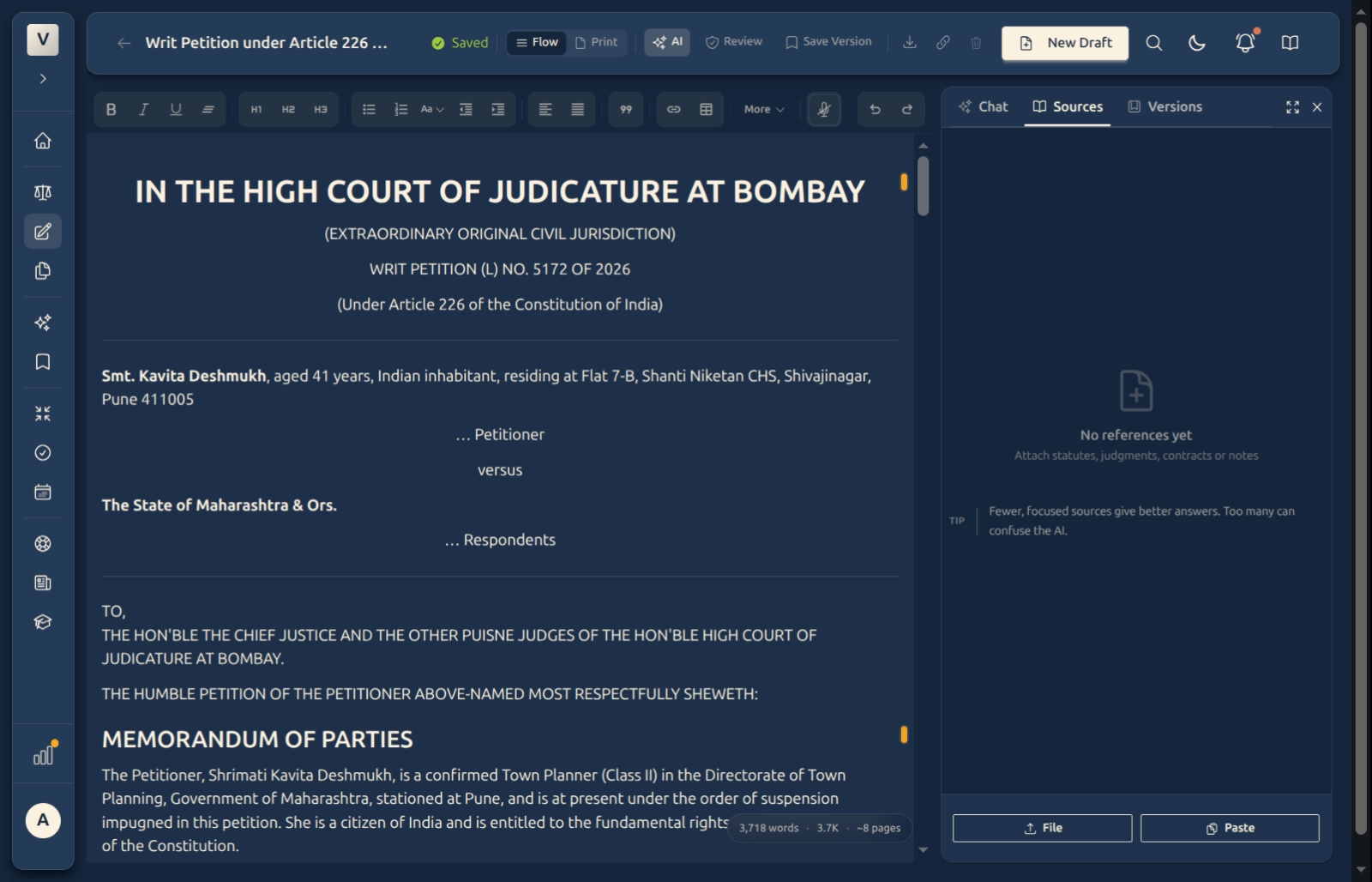
Open Sources — In the side panel, switch to the Sources tab. An empty draft shows “No references yet” with two ways to add one: File and Paste.
-
Attach a file — Click File to upload a statute, judgment, or contract (for example, a PDF Meera or Rohan already has on file). The assistant can then quote and rely on its exact wording.
-
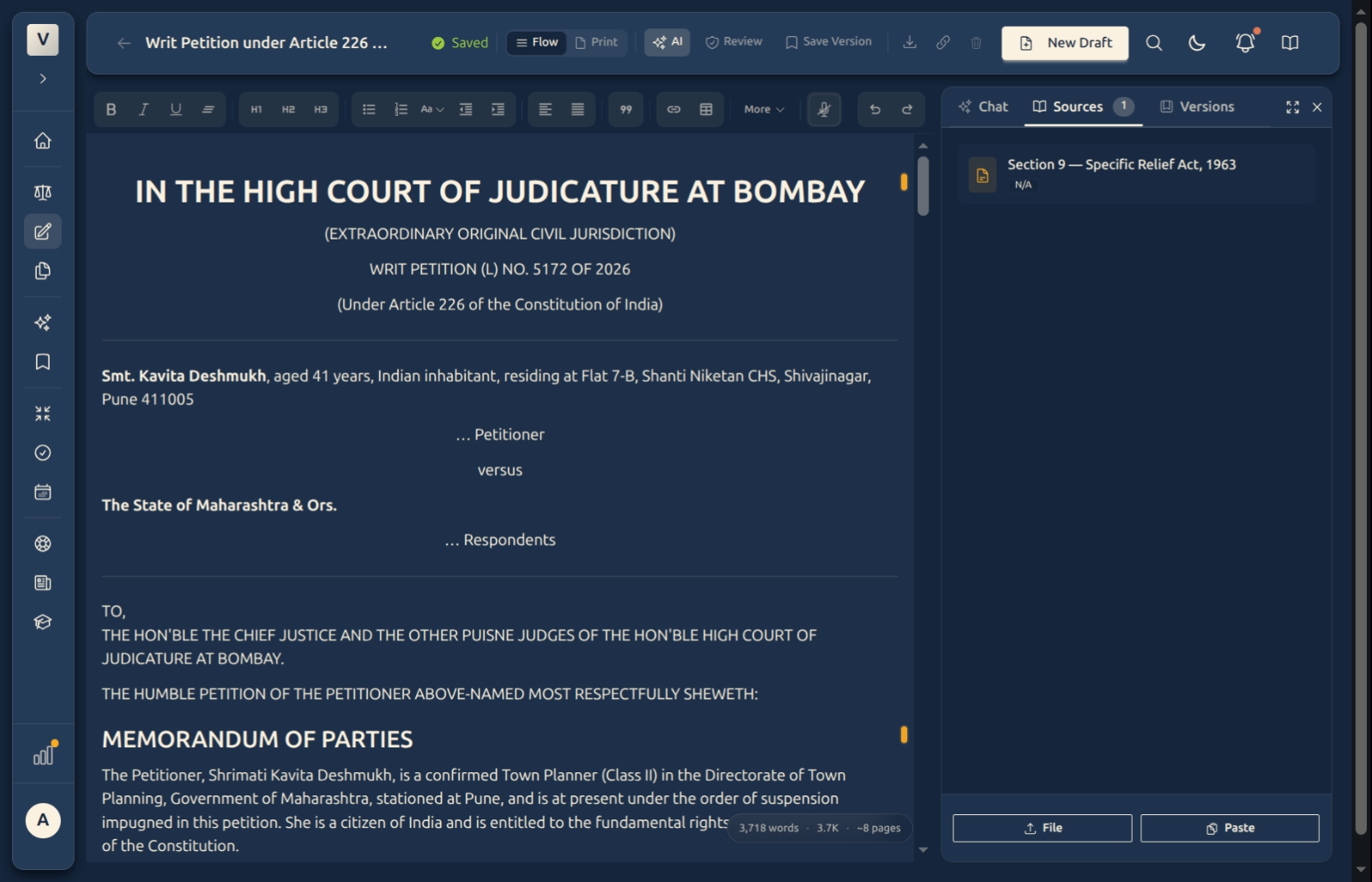
Or paste the text — Click Paste, give it a short title (e.g. “Section 9 — Specific Relief Act, 1963”), and paste the clause or passage into Content. A short, focused clip works far better than an entire document. The reference then appears as a card in the panel.
-
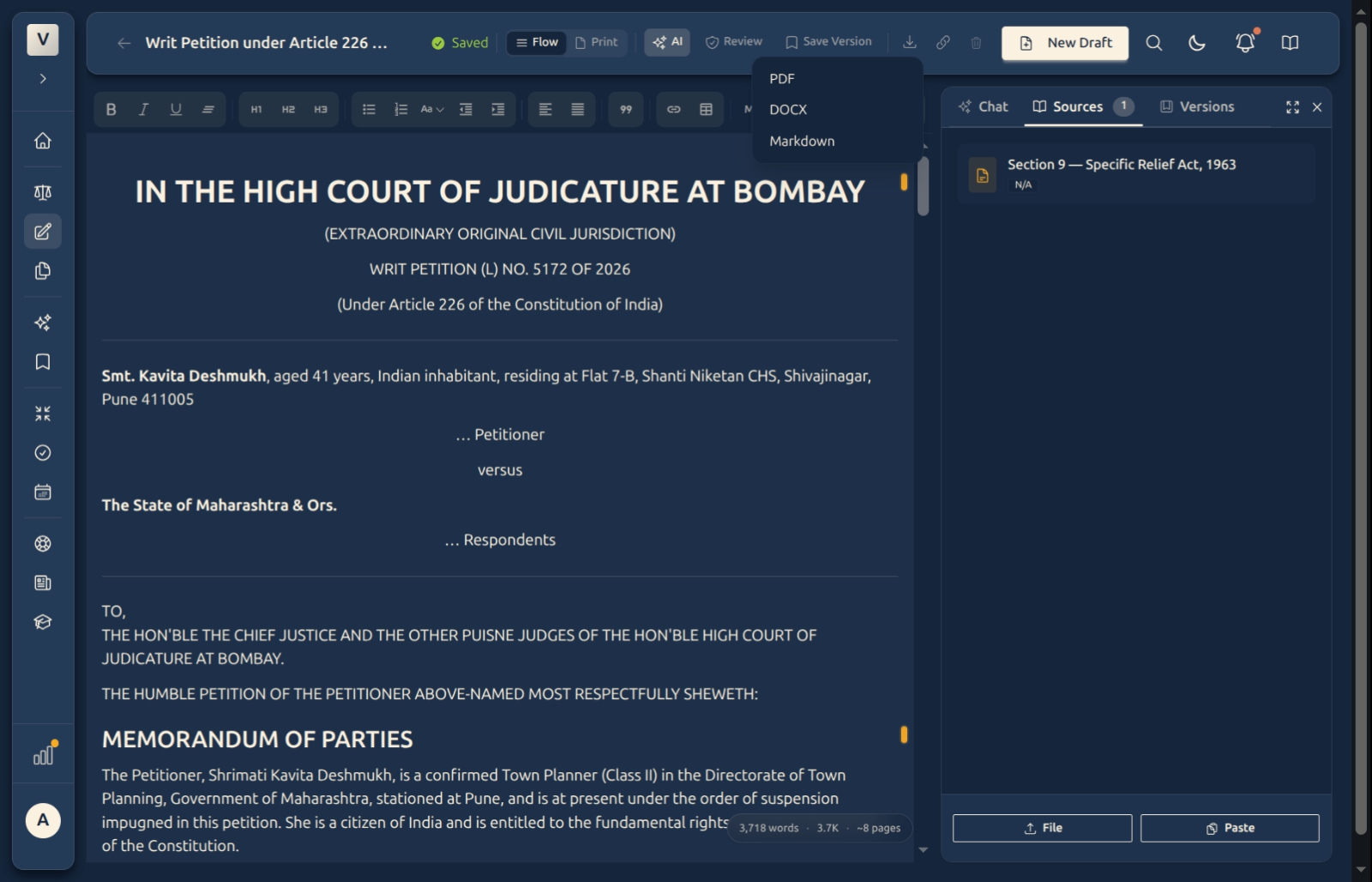
Export the document — Click the download icon in the header and choose a format: PDF, DOCX (Word), or Markdown. The file downloads straight to your device.
Good to know
💡 Tip: Keep each reference focused — a single section or paragraph the draft actually turns on. One tight clip gives the assistant a far more accurate result than a 60-page Act it has to wade through.
Note: References are scoped to this draft. Attaching the Specific Relief Act here won’t add it to Aditi’s other matters — each draft keeps its own short shelf of sources.
✅ Export keeps your formatting. Headings, numbered grounds, tables, and quoted text carry across to PDF and Word, so the exported file reads the way it does on screen.
FAQ
What can I attach as a source?
A statute, a judgment, a contract or clause, or plain notes — either by uploading a file or pasting the text. Use sources to give the assistant the exact wording to draft and check against.
Do my references follow me to other drafts?
No. They belong to this draft only. If Kabir wants the same statute on another matter, he attaches it there too — nothing is shared automatically.
Which export format should I pick?
Does exporting change my draft?
No. Export just produces a download — your draft, its history, and its sources stay exactly as they were.
Can I attach a web link as a source?
Not at the moment — add sources by uploading a file or pasting the text. Pasting the specific passage you care about also gives the most accurate result.
See Also
- The AI Assistant — point the assistant at an attached source with the @ menu when you ask it to draft or check.
- Review Draft — attach the statutes you want the review to check your citations against.
- Writing & Formatting — the Print view shows how the document will look before you export it.